Sync Dividends with Your Own Calendar (Google Calendar, Outlook, etc.)
By Matthias Hilger
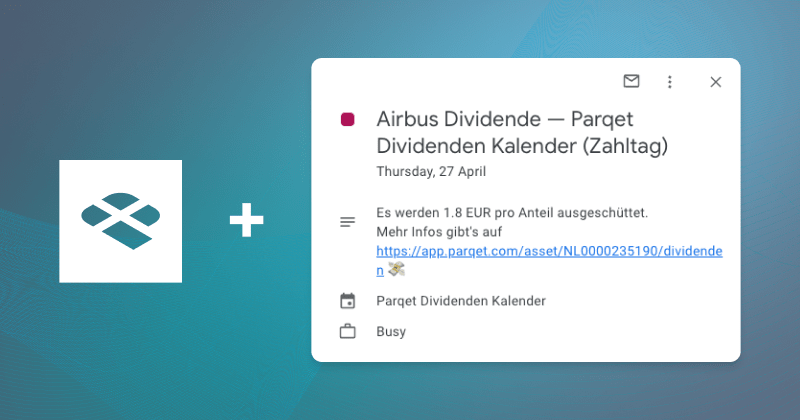
With our new Dividend Calendar, you now have the option to import dividend dates into your own calendar and sync them automatically.
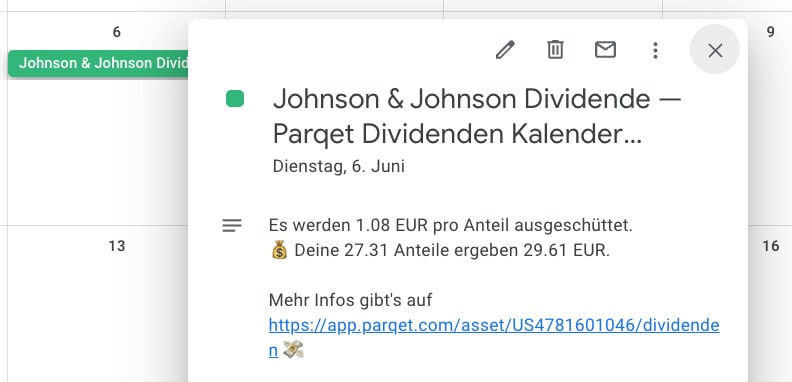
In the calendar events, we show you not only when dividends will be paid but also how much the payout will be. From the calendar, you can click directly to the dividend page of the corresponding asset.
Decide for Yourself Which Dividends You Want to See in Your Calendar
Basically, the calendar is always linked to a specific filter.
How to make your selection: First, create a filter with dividends you would like to see displayed in your calendar. Then click the "Add to Calendar" button.
In this example, we create a calendar integration for all holdings that are in one of the two portfolios:
You have complete freedom when creating calendars and can combine them as you wish. For example, you can create a filter for stocks in one of your watchlists or a general DAX dividend calendar.
Two Ways to Import Dividends into Your Calendar
After the filter has been applied, there are two ways to add the dividend calendar to your own calendar:
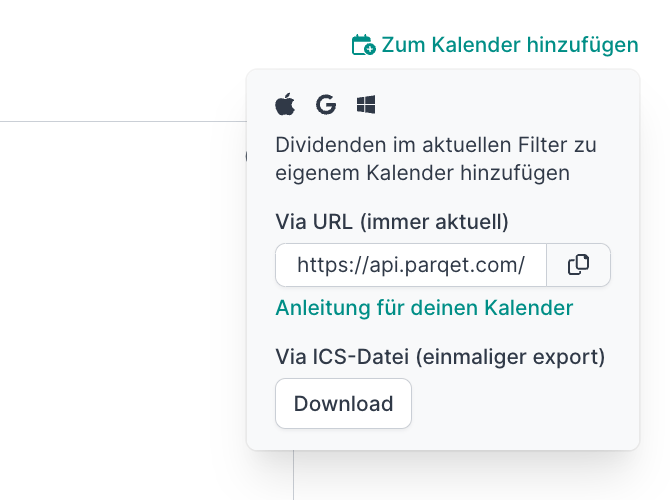
- Import via URL: The calendar is always automatically updated, which is why we recommend this option.
- Import via .ics file: This performs a one-time import of your selection. Dividends that were not in the dividend calendar at the time of export will not appear in your calendar.
Option 1: Add Dividend Calendar via URL to Your Calendar (recommended)
With this option, you import the URL into your calendar. This way, the calendar is always automatically updated as soon as new dividend data is available. Since this keeps the data always up to date, we recommend this option.
After you've selected your filters and clicked the "Add to Calendar" button, copy the URL from the window that appears. This URL can then be easily added to your existing calendar:
Instructions for the Most Popular Calendar Apps
In Google Calendar, you can enter the calendar URL directly in the settings here: Add Google Calendar via URL.
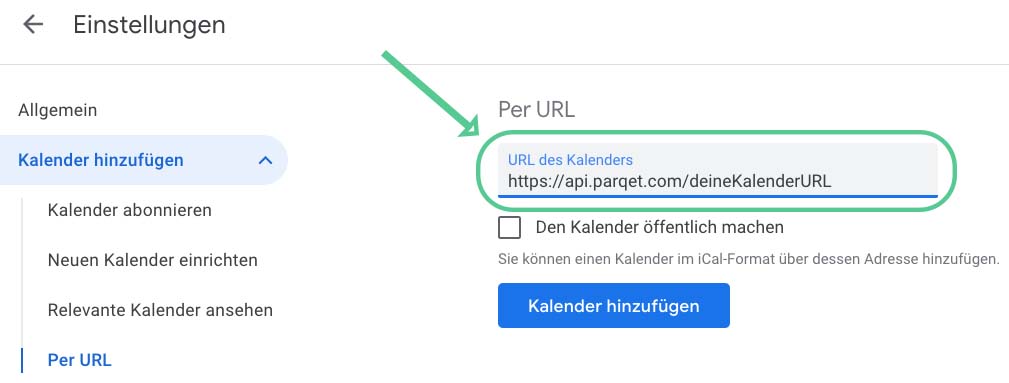
Since different providers' calendars vary somewhat, we've compiled instructions for the most popular calendar apps:
Option 2: Integrate Dividend Calendar via iCal into Your Calendar
As a second option, you can download an .ics file and import it into your calendar. With this option, only a snapshot of the calendar is downloaded – so the calendar does not update automatically, as is the case with the URL import.
The downloaded file can be imported via drag-and-drop or through a menu, depending on the calendar app. Note that after import, the entries are immediately read into your selected calendar. The import cannot be undone. We recommend creating a separate calendar for dividends so you can keep track.
If you use Google Calendar, you can access the import menu directly via this link.
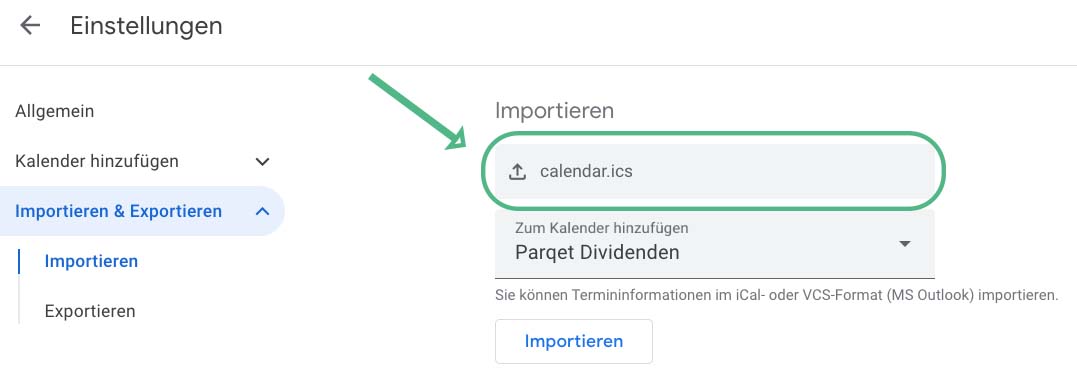
.ics Import Instructions for the Most Popular Calendar Apps
All information, features, and further details can be found compiled in our product update on the Dividend Calendar.
Track Your Dividends with Parqet
At Parqet, we work every day to remove barriers to wealth building. We build tools that allow you to keep track of your portfolio effortlessly, whether at home or on the go.
See how Parqet can simplify your wealth planning, or create your free portfolio in seconds.
Create Portfolio